


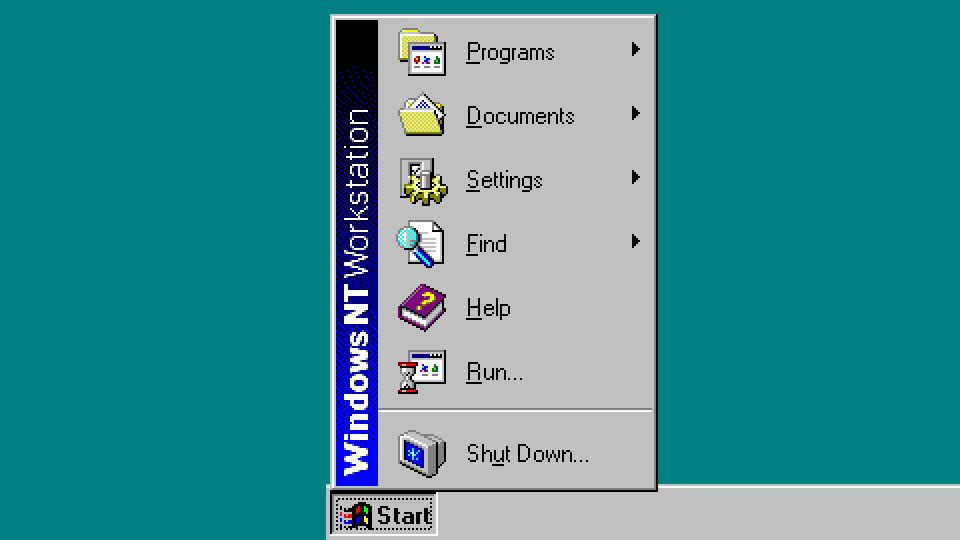
Out with the old, in with the new.
I spent time installing MYSQL, PhP and a handful of web applications to run on a internal private network, and I do see subtle changes, but the same old stability. IIS is basically the same, though some IIS modules (PHP manager) are deprecated from older versions of Windows. Changes are mostly around the Windows platform, security defaults, and legacy feature removal.
Notable IIS changes
- IIS 6 Management Console is removed in Windows Server 2025. Any old IIS 6-era management tools/scripts should be updated.
- IIS 6 compatibility features are deprecated, including metabase compatibility, scripting tools, and WMI compatibility. Move scripts toward modern IIS config methods.
- IIS Digest Authentication is deprecated; Microsoft recommends moving to other auth methods such as client certificate mapping.
- TLS 1.0 and TLS 1.1 are disabled by default in Windows Server 2025, so older clients/integrations may fail unless updated.
- SMTP Server is removed from Windows Server 2025. If the website relied on local Windows SMTP relay, use Exchange, a third-party SMTP server, or an external mail service.
- Internet Explorer standalone is removed; legacy admin workflows should use Edge/IE mode if needed.
Windows Server 2025 mainly offers improvements in security, performance
Key upgrades include:
- Hotpatching through Azure Arc, allowing some security updates without rebooting.
- Stronger security defaults, including improvements around credential protection, SMB security, and TLS.
- Better storage performance, especially with native NVMe support for faster I/O on supported hardware.
- Improved Hyper-V and virtualization, including performance/scalability enhancements.
- Windows Terminal and WinGet included by default, making server administration easier.
- More modern desktop experience, closer to Windows 11.
- Better hybrid/Azure integration, especially for Arc-connected servers.
- Improved networking and SMB features, including continued enhancements to SMB over QUIC and compression.
- Legacy cleanup, with older components like IIS 6 management tools, SMTP Server, and some deprecated features removed or phased out.
Need help migrating applications or websites to a private network? reach out for questions.

